Prayer History
The Prayer History block provides logged-in users with a personal view of their submitted prayer requests.
For visitors who are not logged in
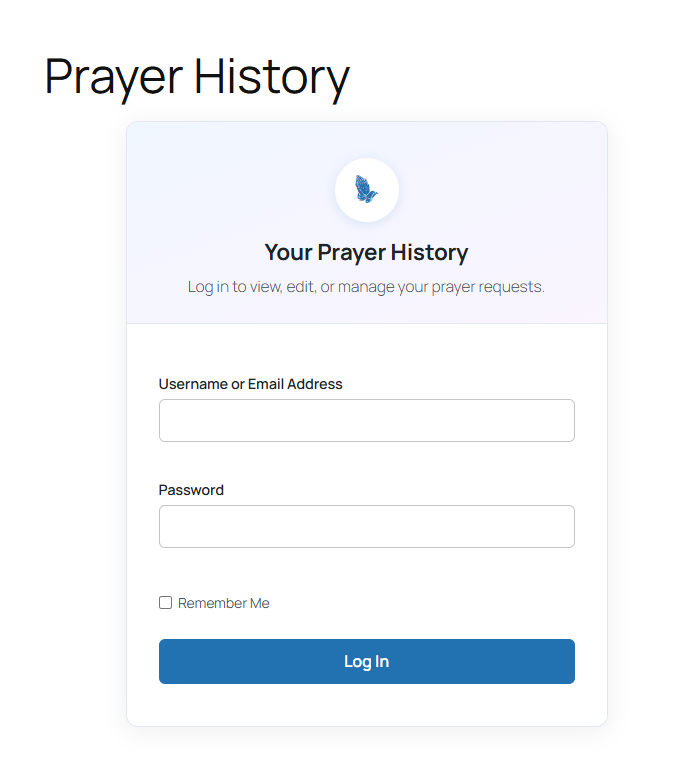
Guests see a login prompt. When WordPress registration is available, the interface can also provide a registration path and preserve the return destination.
For logged-in users
The block finds the Intercessor requester record linked to the current WordPress account and displays that user's requests, newest first.
Users can:
- View their requests
- Edit their own requests
- Delete their own requests
When a user edits a request, the request is returned to Pending so that it can be reviewed again.
Empty history
If the logged-in user has no linked requester record, Intercessor displays an empty-state message instead of a blank page.
::: note The current 1.1.0 implementation uses Prayer History as a user history dashboard. It is no longer limited to a single-request status timeline. :::