UI & Screenshots
This section documents the Intercessor administration interface and front-end experience using screenshots from a live WordPress installation.
The screenshots are provided as visual examples. The numbers, enabled options, and other values shown in them depend on the site's current configuration and may differ from your installation.
Administration Screens
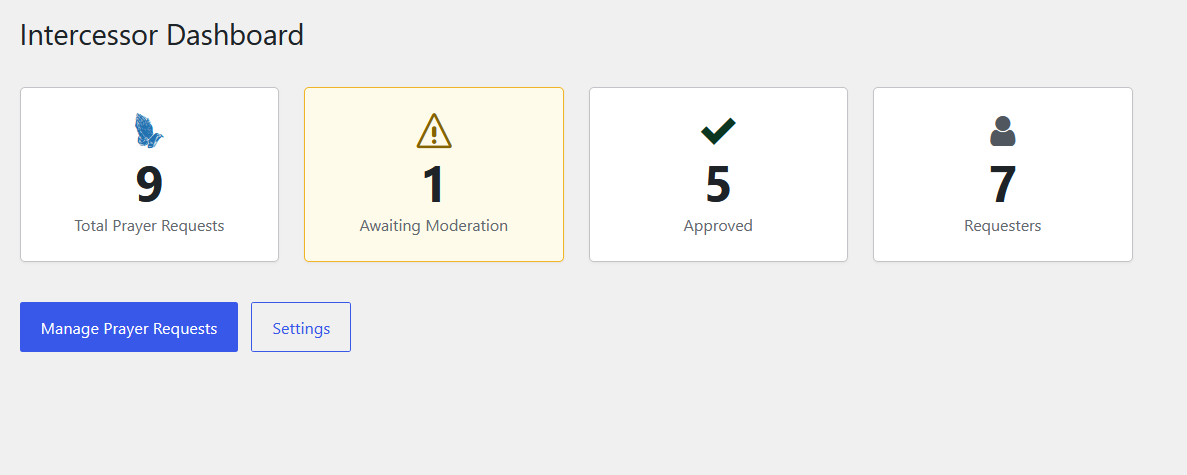
Dashboard
The dashboard gives administrators a quick overview of prayer activity, including total prayer requests, requests awaiting moderation, approved requests, and requester count.
View the Dashboard walkthrough →
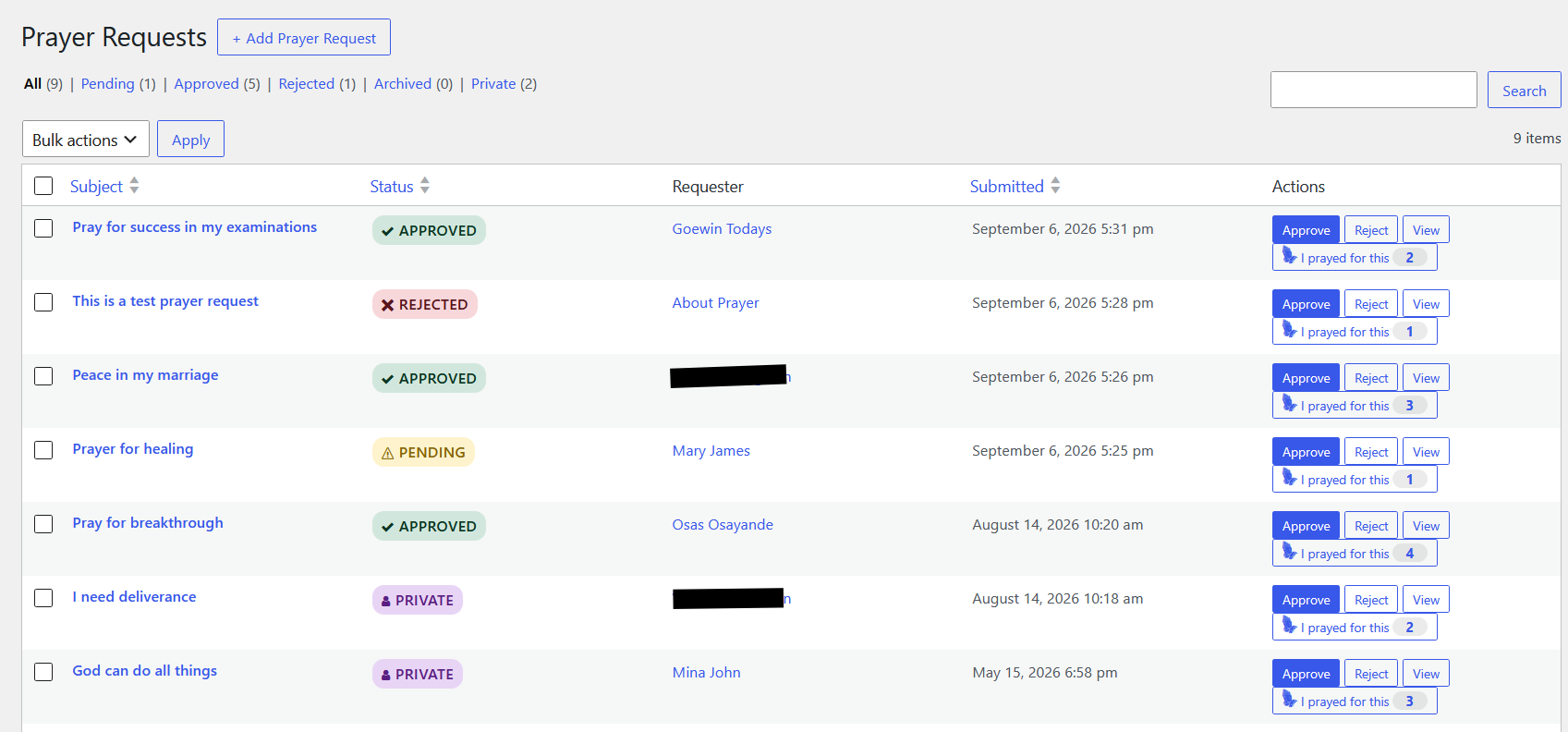
Prayer Requests list
The Prayer Requests list shows all submitted requests with status filters, search, and bulk actions.
View the Prayer Requests guide →
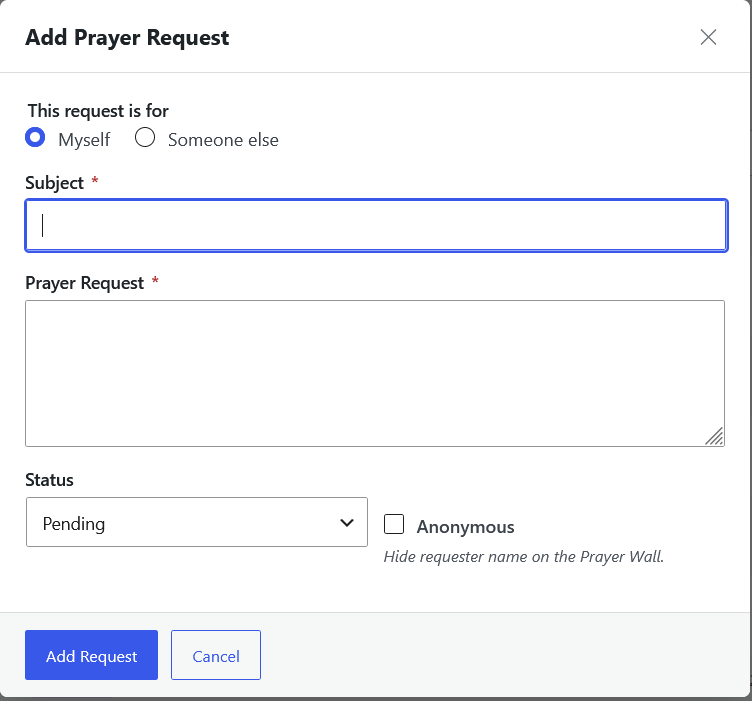
Add Prayer Request — personal
Administrators can add a prayer request for themselves directly from the administration area.
View the Prayer Requests guide →
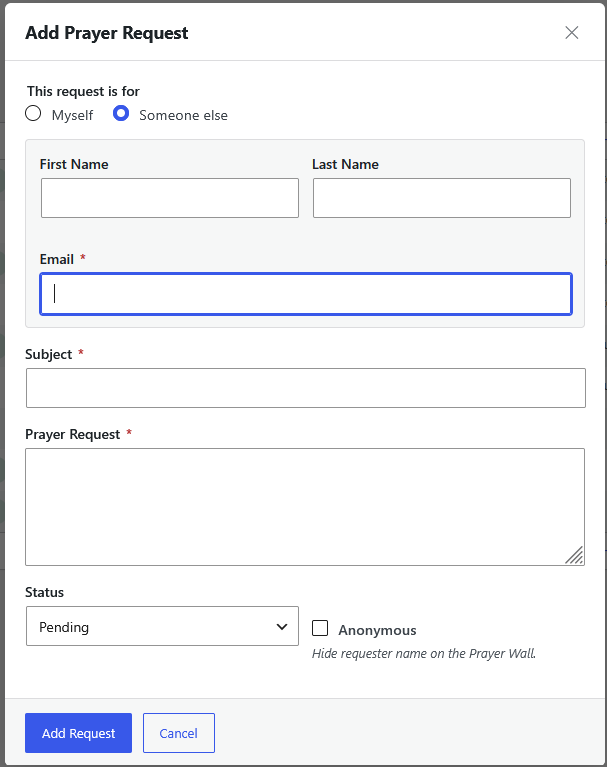
Add Prayer Request — for another person
Administrators can also record a request on behalf of someone else, useful for requests received in person, by phone, or by email.
View the Prayer Requests guide →
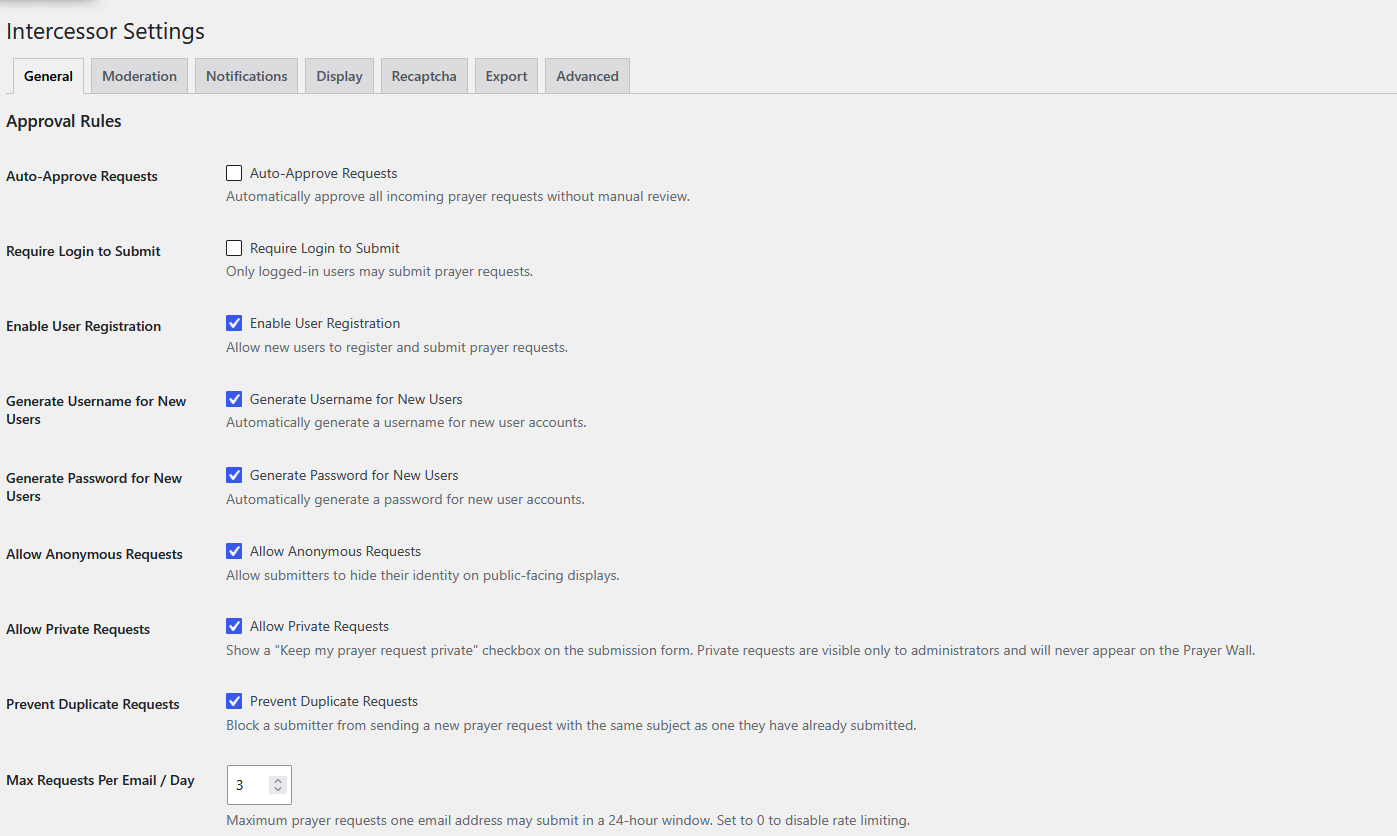
Settings — General
The General settings tab contains the core submission and approval rules, including login requirements, registration, anonymous and private requests, duplicate prevention, and the daily email-address submission limit.
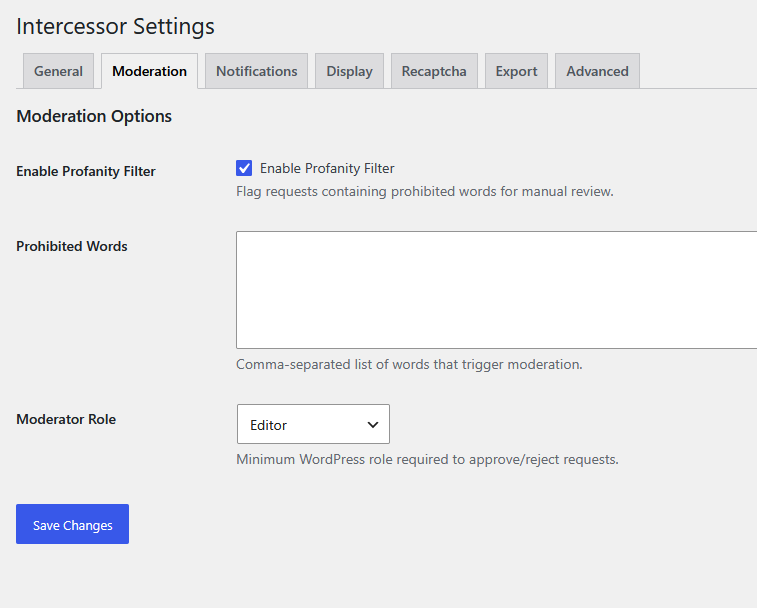
Settings — Moderation
The Moderation tab controls the profanity filter, its prohibited-word list, and the minimum WordPress role required to moderate requests.
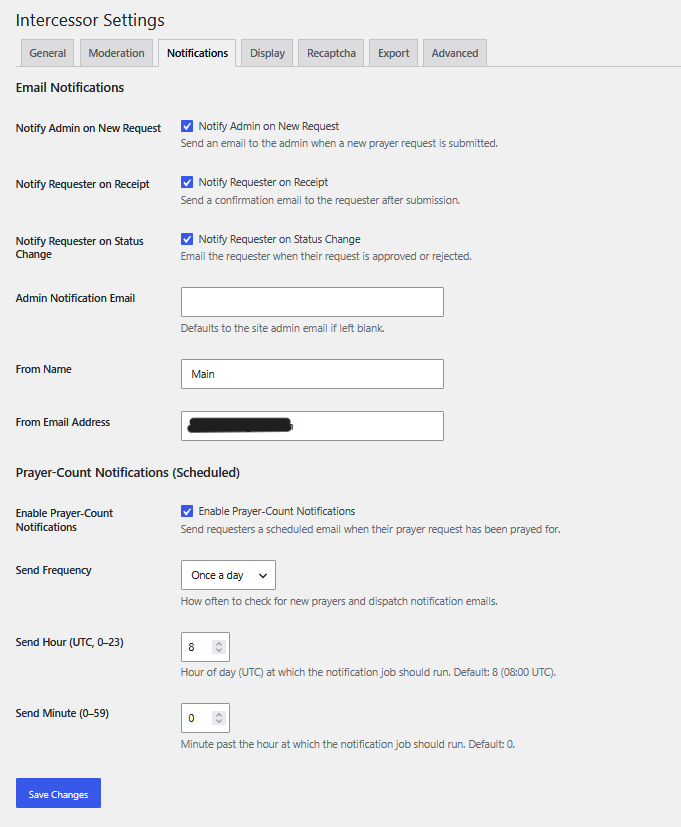
Settings — Notifications
The Notifications tab configures admin and requester email notifications, sender identity, and the scheduled prayer-count notification job.
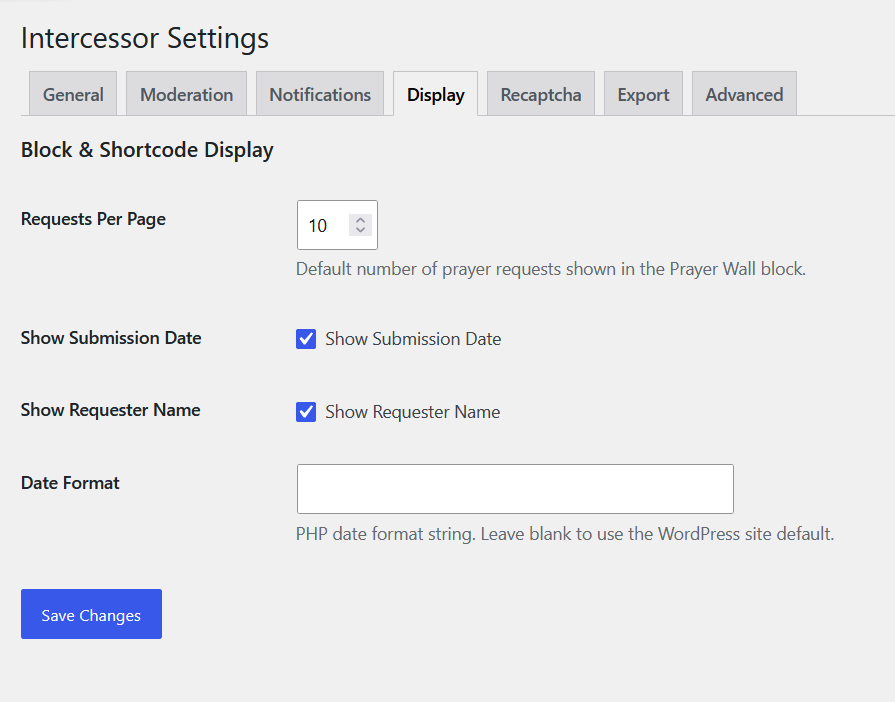
Settings — Display
The Display tab sets front-end display defaults such as requests per page, submission date visibility, requester-name visibility, and date format.
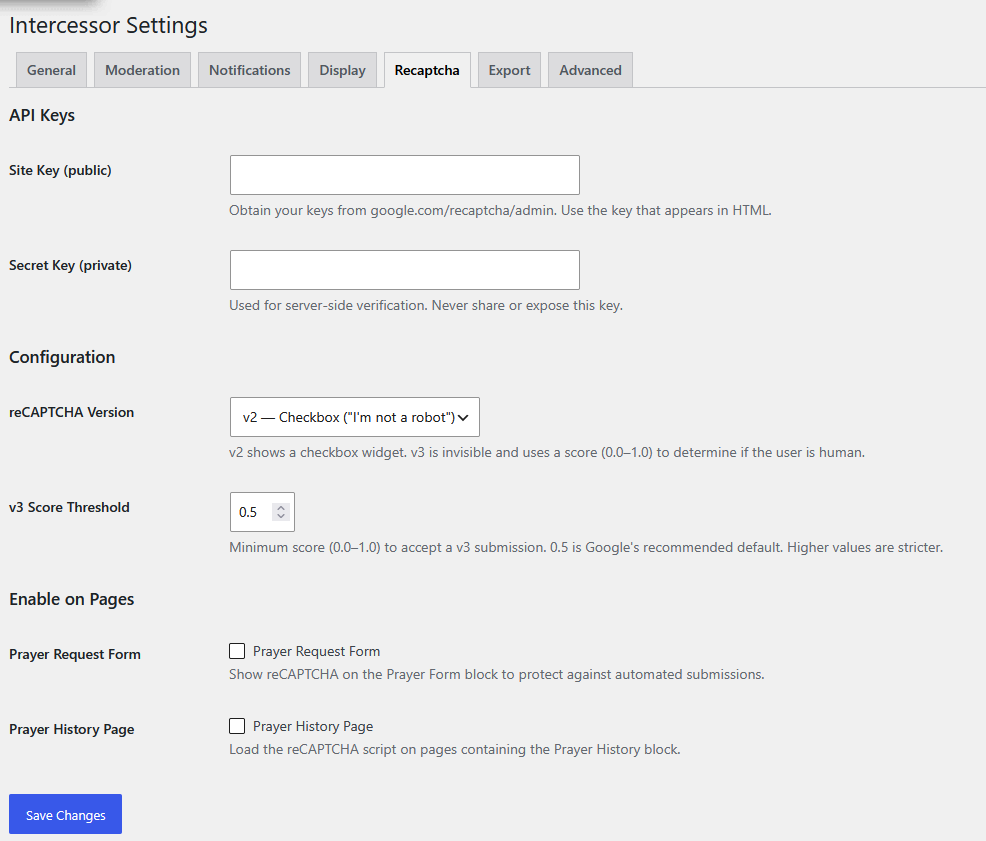
Settings — reCAPTCHA
The reCAPTCHA tab holds the site and secret keys, the reCAPTCHA version, the v3 score threshold, and which pages should load the protection.
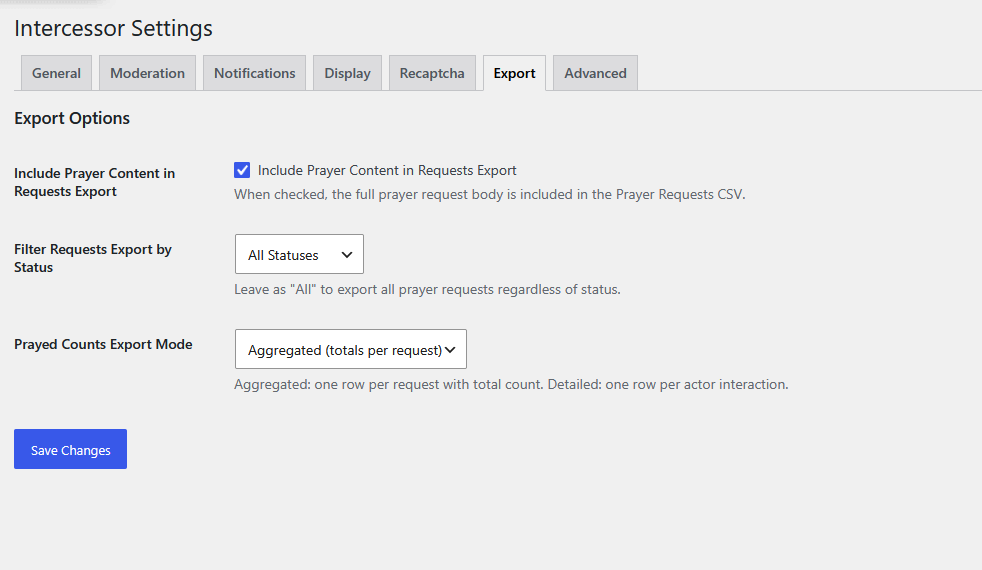
Settings — Export
The Export tab controls whether prayer content is included in exports, which statuses are exported, and whether prayed-count exports are aggregated or detailed.
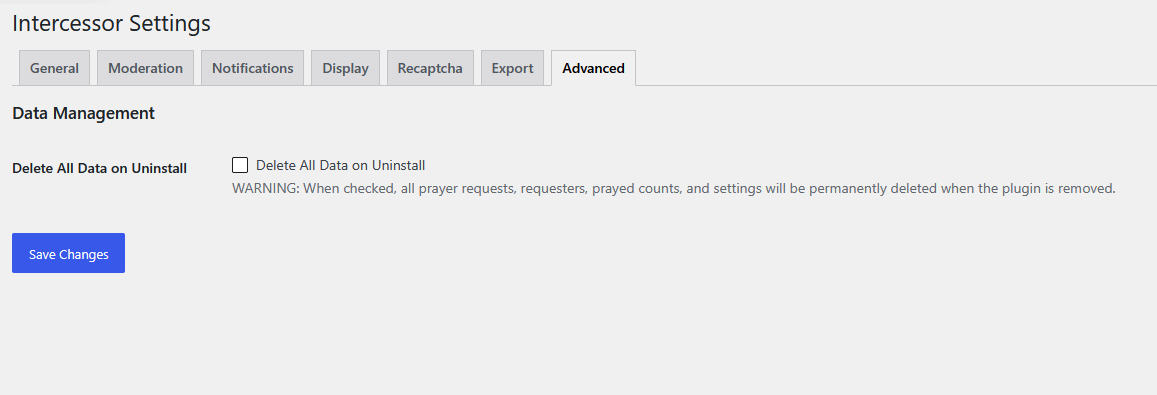
Settings — Advanced
The Advanced tab holds the Delete All Data on Uninstall option.
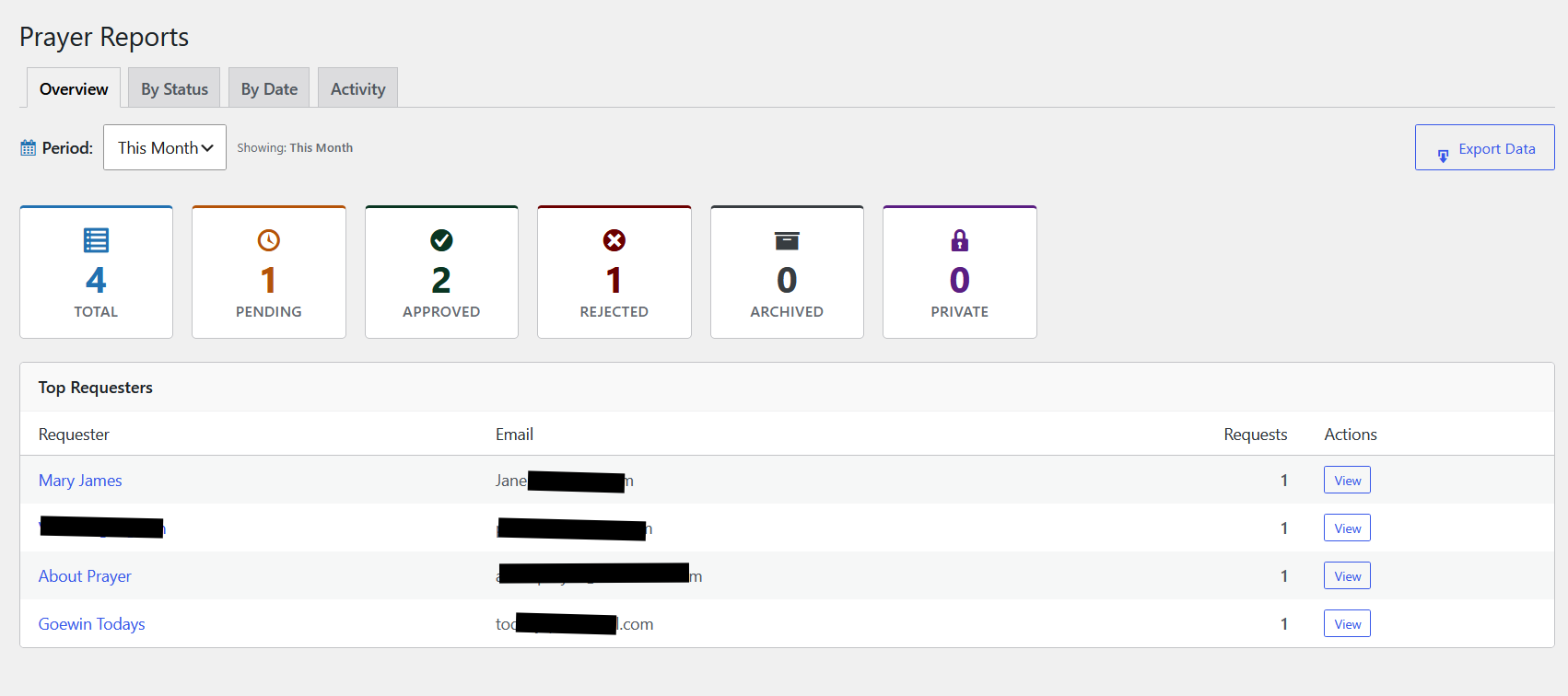
Reports
The Reports Overview tab shows request totals by status alongside a Top Requesters table, with additional By Status, By Date, and Activity views.
Front-End
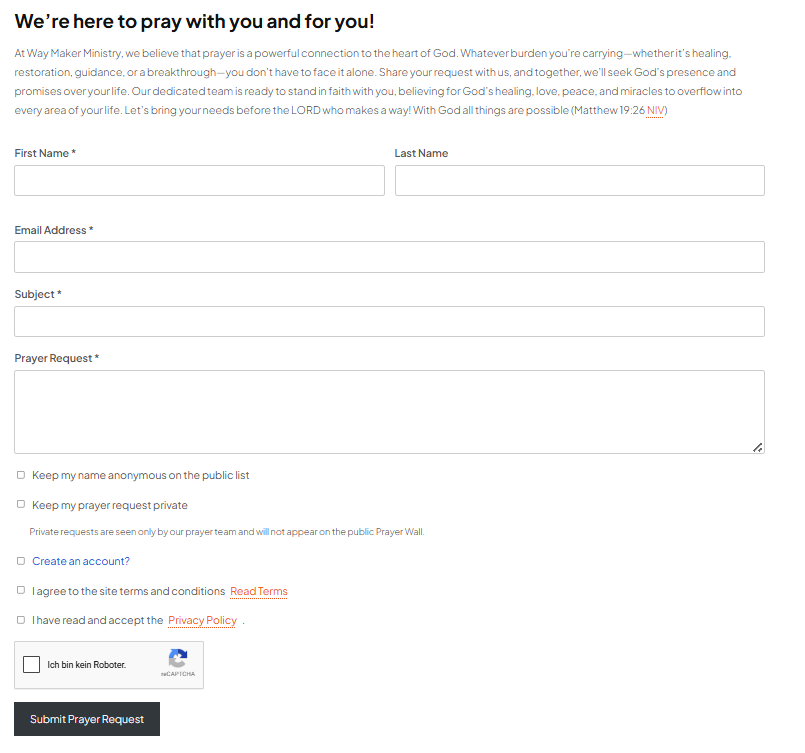
Prayer Form
The Prayer Form block collects a visitor's request along with anonymous and private preferences.
View the Submitting Prayer Requests guide →
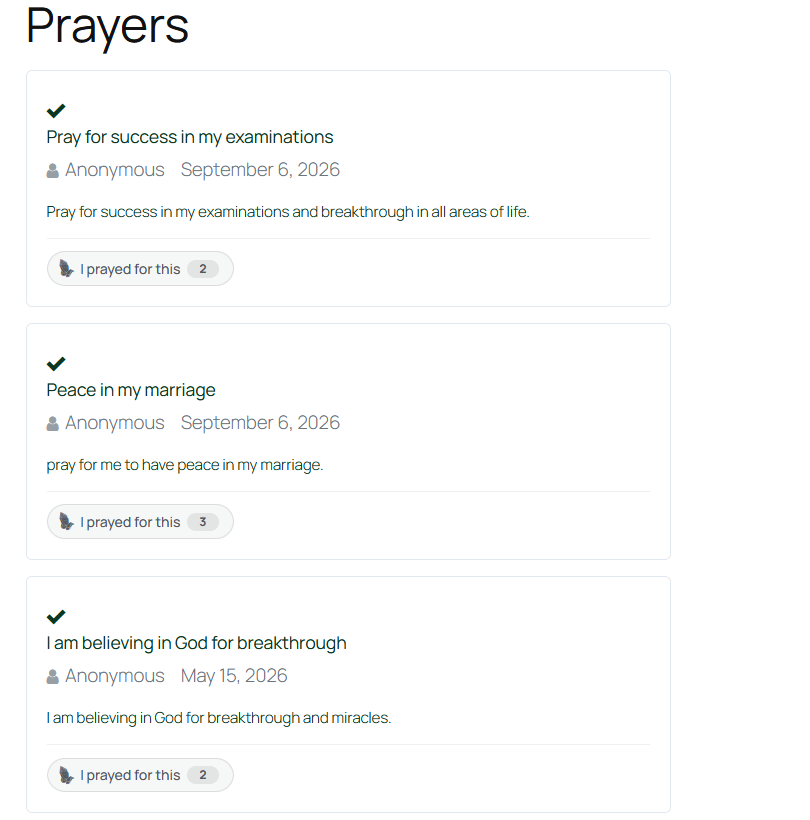
Prayer Wall
The Prayer Wall block displays approved requests with "I prayed for this" counters.
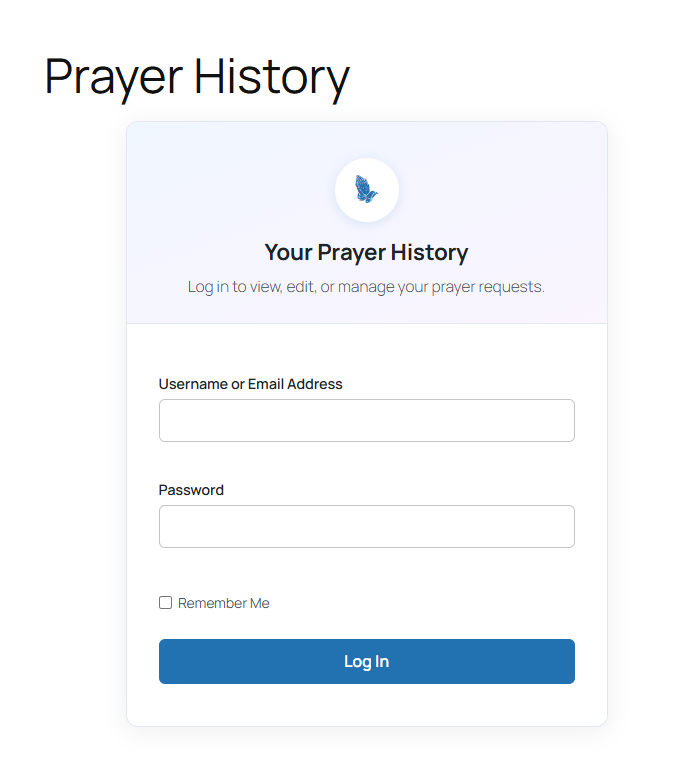
Prayer History
Visitors who are not logged in see a login prompt; authenticated users see their own request history instead.
View the Prayer History guide →
Tools
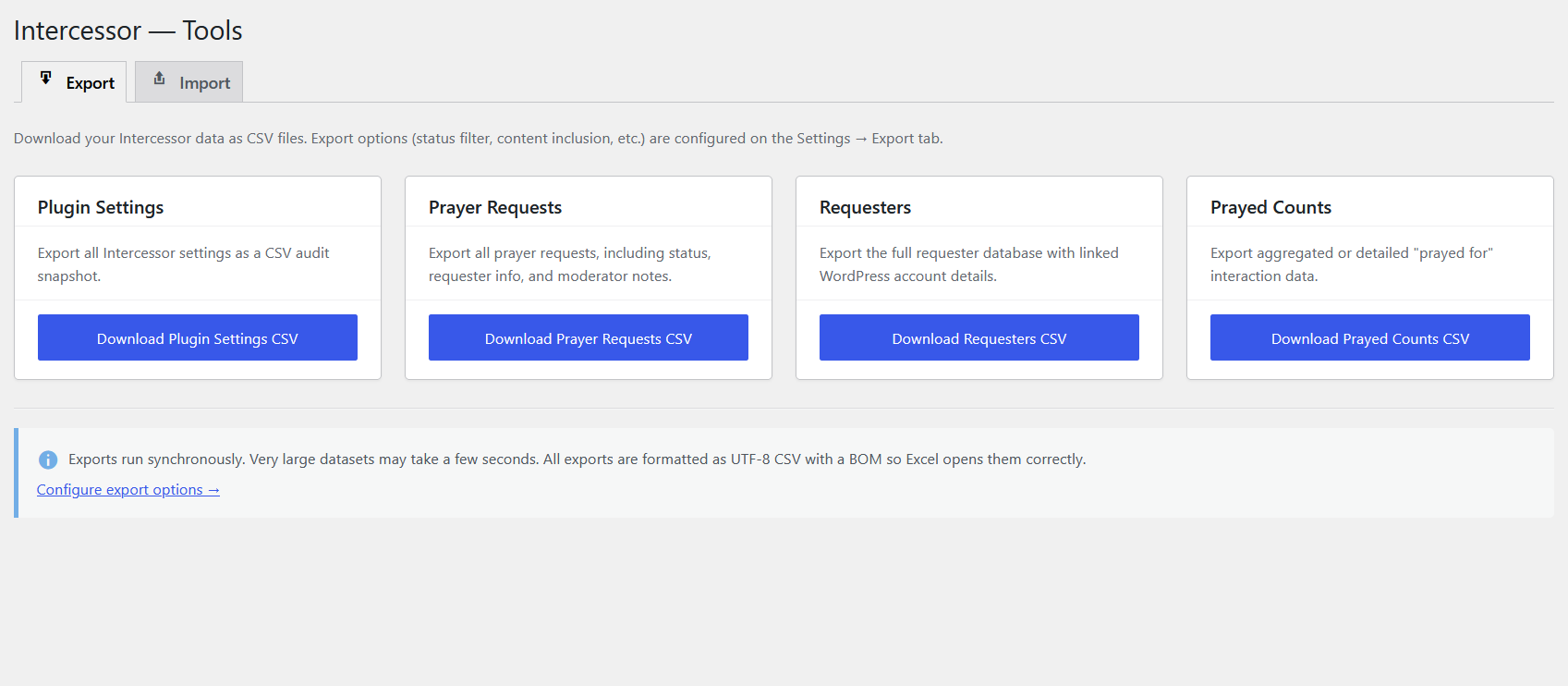
Import & Export
The Tools page's Export tab provides one-click CSV downloads for plugin settings, prayer requests, requesters, and prayed counts.
View the Import & Export guide →
Requesters
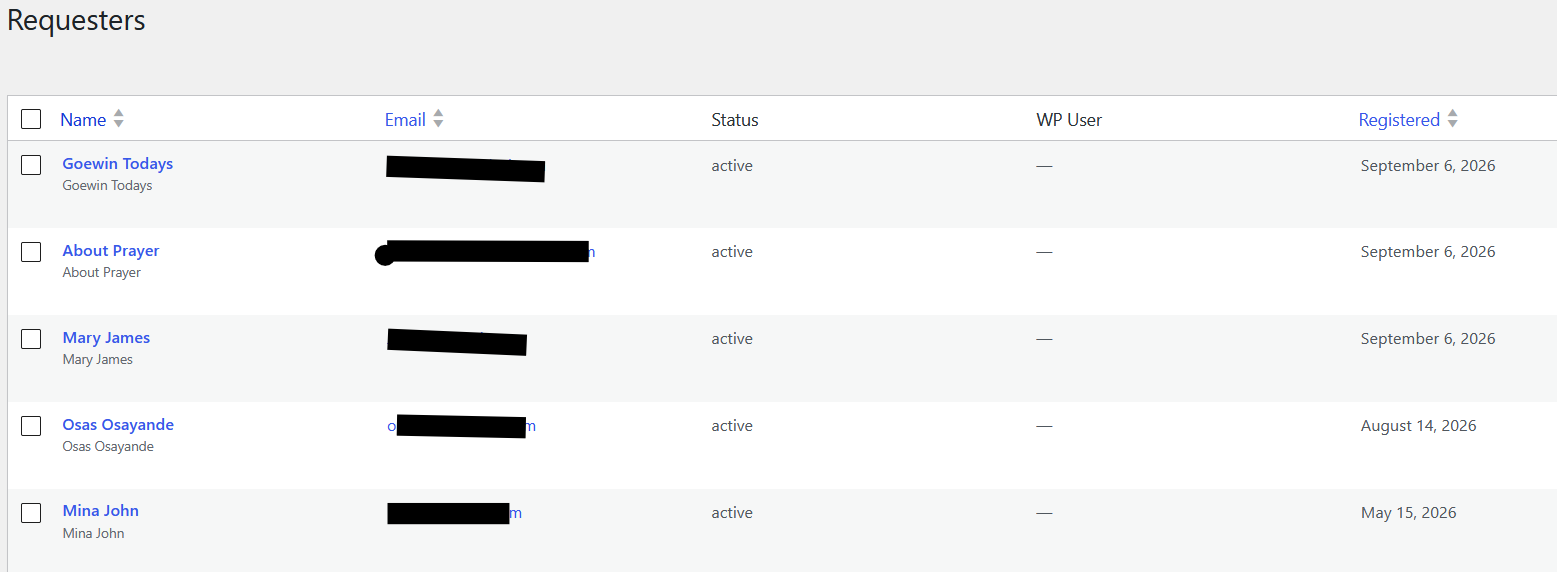
The Requesters screen provides a central view of people associated with prayer requests.
Requester Details
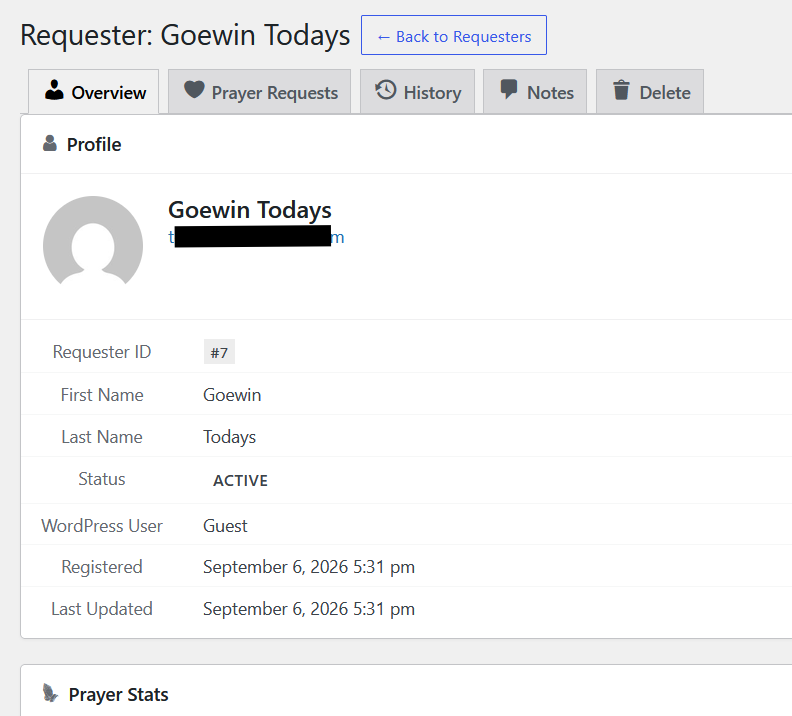
Selecting a requester opens the requester detail screen, where administrators can review the profile, prayer requests, history, notes, and deletion options.
More Screenshots Coming
Additional screenshots can be added as the corresponding WordPress screens are captured, including:
- Prayer Request details/edit screen
- Requesters